For most offices, printing costs are one of those line items that are easy to overlook individually but surprisingly large when you add them up. Toner, paper, service calls, equipment leases, and the productivity lost to downtime are all part of the real cost of running office printers and copiers. In our experience working with businesses throughout Las Vegas and Clark County, very few offices have a clear picture of what printing actually costs them per month.
The good news is that a meaningful portion of that spending is reducible without disrupting how the office operates. Here are the approaches that consistently make a real difference.
Start by Understanding What You Currently Spend
You cannot reduce costs you have not measured. Before making any changes, gather a clear picture of current print spending by looking at:
- Monthly toner and supply purchases across all devices
- Paper volume per month
- Service and repair costs over the past twelve months
- Equipment lease or loan payments if applicable
- Any per-page charges on a managed service or lease agreement
Many offices are surprised by the total when they add these up. A print assessment done by a service provider can formalize this picture, but a back-of-envelope calculation using your actual invoices from the past year gives you a useful baseline to work from.
Consolidate Multiple Devices Into Fewer, More Capable Machines
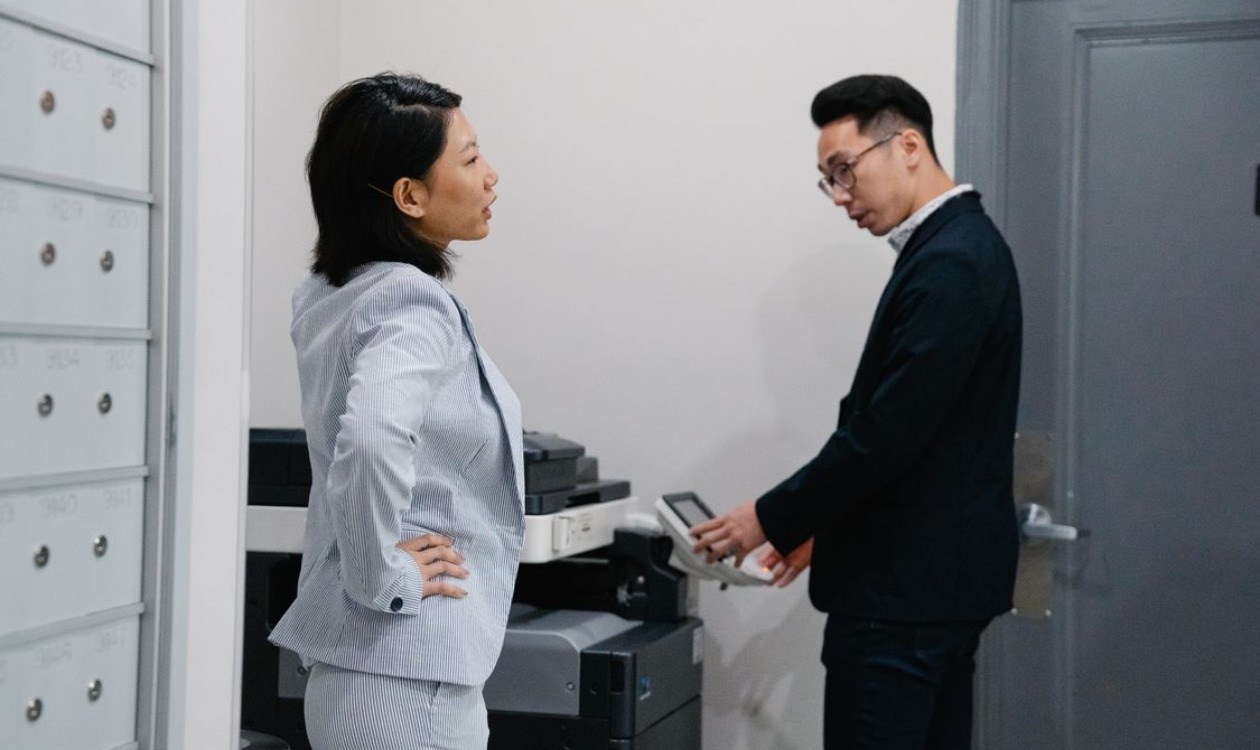
One of the most consistent sources of unnecessary printing cost is running too many devices. A typical office might have a desktop printer in one area, a department copier down the hall, and a standalone scanner in another corner, each consuming its own toner, each requiring its own service relationship, and each representing a separate failure point.
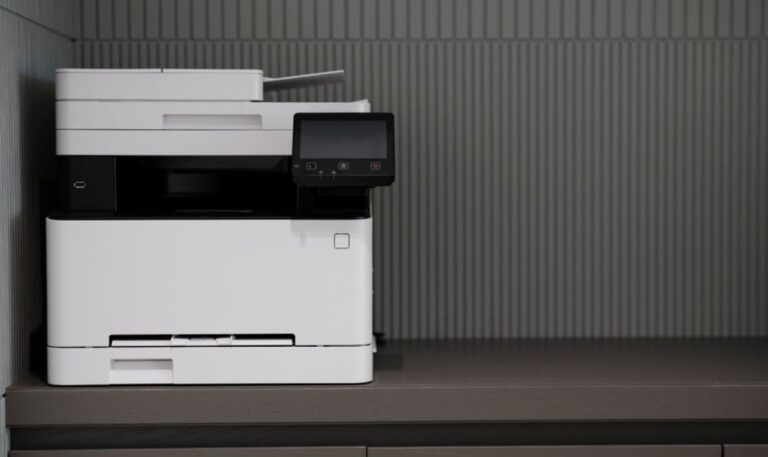
In most cases, consolidating those devices into one or two centrally located multifunction devices reduces total toner spend, simplifies service management, and reduces the total number of machines that can break at inconvenient times. A device consolidation assessment evaluates your current fleet and recommends the most cost-efficient configuration for your actual usage.
Set Duplex Printing as the Default
Printing on both sides of a page by default cuts paper consumption roughly in half for most document types. This sounds obvious, but the default setting on most office printers and copiers is single-sided. Unless someone changes it during setup or a managed configuration, the machine will continue using twice as much paper as needed for every internal document, draft, or report that does not specifically require single-sided output.
Changing the default to duplex on all shared devices is a five-minute configuration change with an immediate and ongoing impact on paper costs. This does not affect jobs where single-sided output is required. It simply means that the default behavior stops wasting paper on every print job where the distinction does not matter.
Switch to Managed Print Services
Managed print services convert the unpredictable combination of toner purchases, repair bills, and supply runs into a single, predictable monthly cost. For offices where printing expenses currently arrive as irregular surprises, this change alone can reduce total spend by consolidating vendor relationships and eliminating the premium cost of emergency supply orders.
Beyond predictability, a well-run managed print program reduces costs through proactive maintenance that prevents failures, optimized toner replenishment that avoids waste, and usage monitoring that flags inefficiencies. The managed print services program from Sunrise Office Systems includes supply delivery, scheduled maintenance, and on-site repair service under a single monthly cost structure.
Use the Right Machine for the Right Job
Running high-volume print jobs through a desktop inkjet printer that was designed for occasional personal use costs significantly more per page than routing those same jobs through a laser copier designed for business output. Desktop inkjet printers have high per-page ink costs relative to laser toner, slower throughput, and maintenance requirements that become expensive at office scale.
If your office is printing business documents on desktop inkjets because that is what was already in place, switching those jobs to a central laser multifunction device reduces per-page costs substantially. Desktop inkjets still have a place for specific tasks (photo output, for example), but they are not cost-effective workhorses for high-volume text document printing.
Maintain Your Equipment on a Schedule
A copier that receives no preventive maintenance accumulates dust, worn rollers, and dried components over time. This leads to more paper jams, more frequent service calls, and ultimately a shorter machine life than the same machine would have with regular care. Scheduled preventive maintenance, like what is included in the client care program from Sunrise Office Systems, extends equipment life and reduces the frequency of unplanned breakdowns.
Review Your Lease or Service Agreement Annually
Lease agreements and service contracts that were well-suited to your office two or three years ago may no longer match your current print volume or staffing level. An office that has grown significantly may be hitting monthly overage charges on a plan sized for lower volume. A business that has downsized may be paying for service coverage on devices it no longer uses.
Reviewing your agreement at least once a year, and when significant changes occur in the business, ensures that you are paying for what you actually need.
Frequently Asked Questions
How much can a typical Las Vegas office save on printing costs?
It depends heavily on the starting point, but offices that have never done a formal print assessment often find they can reduce total print costs by 20 to 30 percent through a combination of device consolidation, managed print, and default setting changes.
Is managed print only worth it for large offices?
No. Small offices with two or three devices and unpredictable supply and service costs benefit from managed print as much as larger operations do. The predictability benefit applies regardless of scale.
Will duplex printing create problems for our documents?
For the majority of internal business documents, duplex printing has no downside. Client-facing documents and documents where single-sided format is required can always be printed single-sided by selecting that option when printing.
How do I get a print assessment?
Contact Sunrise Office Systems at 702.435.9600 or through the contact page. A print assessment reviews your current devices, usage patterns, and costs, and identifies where savings are available. There is no obligation to commit to any program based on the assessment.