Office copiers are essential for daily business operations. They handle everything from internal documents to client communications. However, many businesses overlook regular maintenance, especially when it comes to office copier maintenance, assuming their machines will continue working without issues. Over time, this can lead to unexpected breakdowns, reduced efficiency, and costly repairs.
In a fast-paced Las Vegas office environment, even a small copier issue can disrupt productivity. Delays, paper jams, and poor print quality can slow down workflow and impact professional output. Many of these problems are preventable with proper servicing and routine care.
In this article, we’ll explain how often office copiers should be serviced, common maintenance risks, and practical steps to keep your equipment running smoothly through proper office copier maintenance. With the right maintenance plan, your business can avoid downtime, reduce costs, and extend the life of your copier.
Why Copier Maintenance Matters
Copiers may seem like simple office tools, but they are complex machines that require regular care. Proper maintenance ensures consistent performance and protects your investment.
Consistent Performance
Regular servicing helps maintain print quality and prevents common issues like streaks, smudges, and paper jams as part of effective office copier maintenance. Well-maintained machines operate smoothly and support daily office tasks without interruption.
Reduced Downtime
Unexpected breakdowns can bring office operations to a halt. Routine office copier maintenance identifies potential issues early, allowing them to be fixed before they become major problems.
Cost Efficiency
Neglecting maintenance often leads to expensive repairs or early replacement. Scheduled office copier maintenance helps extend the lifespan of your copier, reducing long-term costs for your business.
For reliable maintenance support, businesses can explore professional solutions through On-Site Services to ensure their equipment stays in top condition.
Common Copier Maintenance Risks
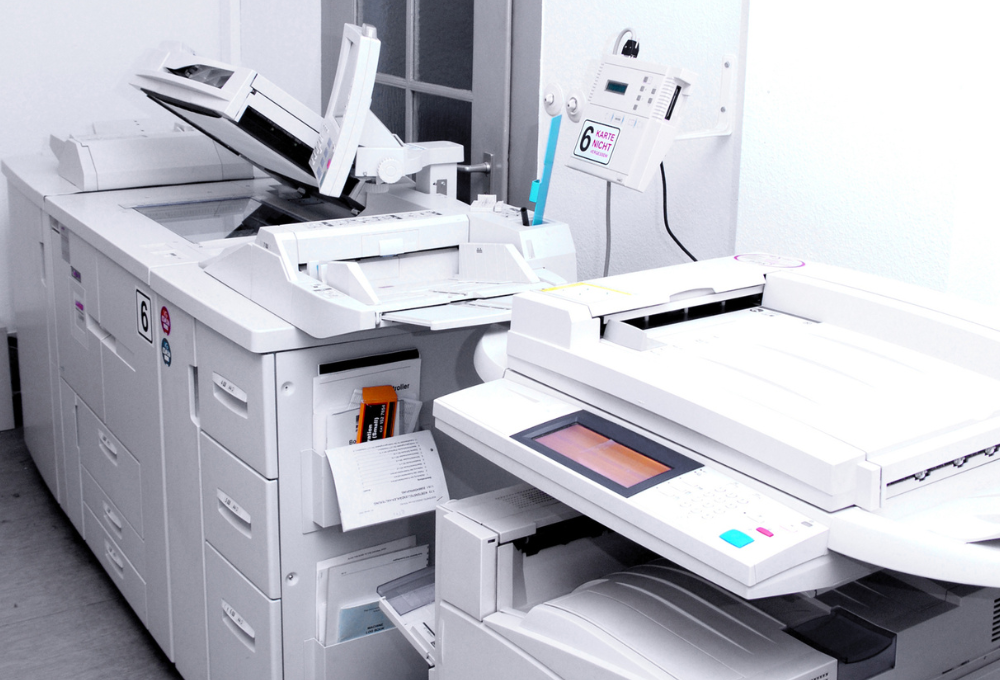
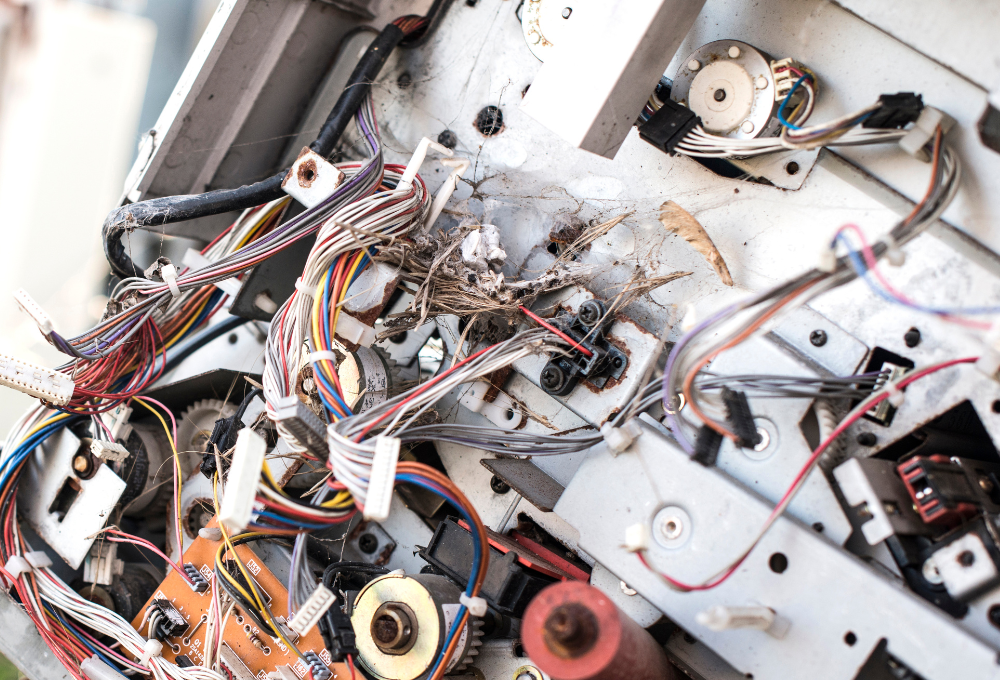
Office copiers can develop several issues when they are not properly maintained without regular office copier maintenance. Dust buildup inside the machine can affect internal components and reduce print quality. Worn-out parts such as rollers and drums may cause frequent paper jams or inconsistent output. Over time, outdated firmware and software can also create performance issues or compatibility problems with office systems.
Another common risk is overuse without scheduled servicing. High-volume printing environments place extra strain on copier components, increasing the likelihood of breakdowns without proper office copier maintenance. Ignoring warning signs such as unusual noises, slow operation, or frequent errors can lead to more serious damage.
Businesses that rely on copiers daily should consider regular office copier maintenance as part of their workflow. Programs like the Client Care Program help ensure machines are serviced consistently and remain reliable.
Maintenance Guidelines for Office Copiers
Keeping your copier in good condition requires a combination of routine checks and professional servicing. These guidelines help Las Vegas businesses maintain efficiency and avoid costly downtime.
Schedule Regular Professional Servicing
Office copiers should be professionally serviced every 3 to 6 months, depending on usage, as part of consistent office copier maintenance. High-volume offices may require more frequent maintenance. Regular servicing ensures that internal components are cleaned, adjusted, and replaced when necessary.
Clean and Inspect the Machine
Basic cleaning should be performed regularly as part of office copier maintenance to prevent dust and debris buildup. This includes wiping external surfaces and checking paper trays. Keeping the machine clean helps maintain performance and reduces wear on internal parts.
Replace Worn Components
Parts such as toner cartridges, rollers, and drums wear out over time. Replacing these components before they fail is an important part of office copier maintenance and prevents disruptions while maintaining print quality. Regular inspections help identify when replacements are needed.
Monitor Performance and Errors
Pay attention to warning signs such as slow printing, unusual noises, or frequent paper jams as part of office copier maintenance. Addressing these issues early prevents more serious damage and keeps your copier running efficiently.
Following these steps helps ensure your copier remains reliable and supports daily business operations without interruption.
How Sunrise Office Systems Supports Copier Maintenance
Sunrise Office Systems provides Las Vegas businesses with professional office copier maintenance and support services. Their team offers detailed inspections to identify potential issues before they affect performance. By addressing problems early, they help businesses avoid downtime and costly repairs.
Their services include cleaning, part replacement, firmware updates, and system optimization. With expert care, businesses can ensure their copiers operate efficiently and consistently. Companies looking to upgrade equipment can also explore options through Sales and Leasing for modern, reliable machines.
Businesses can learn more about maintaining office equipment by visiting helpful resources like Managed Print Services. This guide provides valuable insights and practical tips for improving efficiency and managing print systems effectively.
Keep Your Office Running Smoothly with Regular Maintenance
Regular office copier maintenance is essential for keeping your office running efficiently. Without proper servicing, small issues can quickly turn into major problems that disrupt productivity and increase costs. By following a consistent maintenance schedule, businesses can extend the lifespan of their equipment and ensure reliable performance.
Sunrise Office Systems helps Las Vegas businesses maintain their copiers with expert service and support. Their team provides customized maintenance plans that fit your office’s needs and usage levels. With professional care, your equipment stays in top condition and operates without interruption.
Waiting too long can lead to unexpected downtime. Start your free consultation with Sunrise Office Systems and ensure your equipment stays in top condition. Avoid disruptions and stay productive.