Many Las Vegas offices rely on the same copier year after year. It handles daily printing, scanning, and copying without much attention. Over time, wear builds up, performance slows, and small issues become more frequent. These changes often go unnoticed until the copier starts disrupting work.
Ignoring a copier’s lifespan can lead to higher costs and unexpected downtime. Older machines break down more often and require repeated repairs. They also struggle to keep up with modern office demands. When a copier reaches this stage, it can hurt productivity and strain your budget.
In this blog, we explain what affects copier lifespan and how to spot signs that an upgrade may be needed. We also share how offices in Las Vegas can plan ahead and avoid last-minute replacements. With the right timing, you can keep your office running smoothly and make smarter equipment decisions.
What Determines Copier Lifespan in Las Vegas Offices
Several factors influence how long a copier can perform reliably in a Las Vegas office. Understanding these factors helps businesses plan maintenance, avoid surprises, and make smarter upgrade decisions.
Print Volume and Daily Usage
Copiers that handle high daily volumes experience faster wear on rollers, drums, and internal components. Heavy usage shortens copier lifespan, especially when machines run continuously without rest. Offices with growing print demands often outgrow their equipment sooner than expected.
Desert Climate and Environmental Conditions
Heat, dust, and dry air place extra stress on copiers in Las Vegas. These conditions dry out rollers, increase static, and allow dust to build up inside the machine. Over time, environmental strain reduces copier lifespan and leads to frequent jams and errors.
Maintenance and Service History
Regular service plays a major role in extending the copier’s lifespan. Routine cleaning, part replacement, and calibration prevent small issues from becoming major failures. Offices that schedule professional care through reliable on-site services often keep their copiers running longer and more efficiently.
Print volume, environment, and maintenance work together to determine how long a copier can perform at its best. Managing these factors helps offices avoid premature breakdowns and plan upgrades with confidence.
Signs Your Copier Is Reaching the End of Its Lifespan
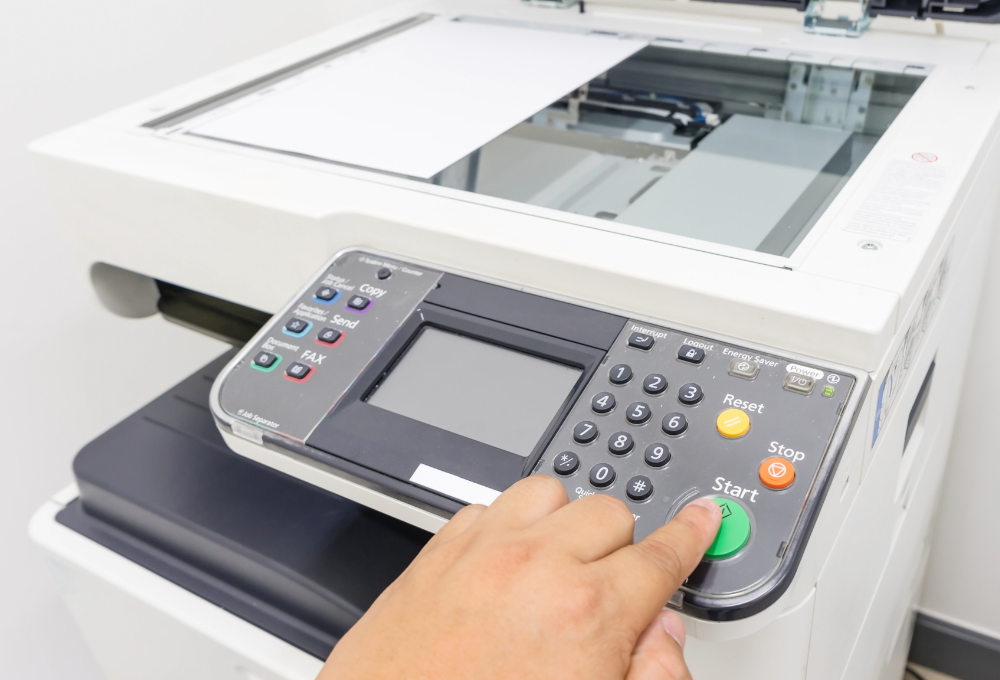
As copiers age, they begin to show clear warning signs that performance is declining. These issues often appear gradually, which makes them easy to ignore at first. Recognizing these signs early helps offices avoid sudden breakdowns and unplanned downtime.
- Paper jams happen more often, even with proper paper loading
- Print quality declines with streaks, fading, or uneven output
- Service calls become more frequent, and repairs take longer
- Error messages appear regularly and slow down daily tasks
- Replacement parts are harder to find or take longer to order
When several of these issues appear at the same time, the copious lifespan is likely nearing its limit. Addressing the problem early allows offices to plan upgrades instead of reacting to failures. Helpful guidance, such as the planning tips shared in our articles section, can support better decisions and reduce disruption.
Repair vs Replace: How to Make the Right Decision
When a copier starts showing signs of age, offices often face a tough choice. Deciding whether to repair or replace the machine depends on cost, performance, and long-term value. Evaluating these factors helps offices avoid overspending and unexpected downtime.
Cost of Ongoing Repairs
Frequent repairs can quickly add up and strain your budget.
- Service visits become more frequent
- Parts cost more as availability decreases
- Repairs provide short-term fixes instead of lasting solutions
Rising repair costs often signal that replacement may be the smarter option.
Impact on Productivity
An unreliable copier affects daily operations and staff efficiency.
- Downtime delays important tasks
- Employees spend time troubleshooting issues
- Workflows slow down during peak hours
Reduced productivity can cost more than the machine itself over time.
Energy Efficiency and Modern Features
Older copiers lack the efficiency and features of newer models.
- Higher energy use increases operating costs
- Limited security and mobile printing support
- Slower speeds compared to modern equipment
Newer machines offer better performance and lower long-term expenses.
Looking at repair costs, productivity impact, and efficiency together helps offices make confident upgrade decisions. Planning ahead allows businesses to replace equipment on their terms instead of reacting to failures.
How Sunrise Office Systems Helps with Copier Upgrades
Sunrise Office Systems supports Las Vegas offices through every stage of a copier upgrade. We begin with a detailed evaluation of your current equipment to assess copier lifespan, performance issues, and usage demands. This review helps identify whether repairs still make sense or if an upgrade will deliver better value and reliability.
Once an upgrade is the right move, we help offices select equipment that fits their workload, space, and future needs. Our team recommends efficient, modern copiers and guides businesses through flexible options available through our sales and leasing solutions. This ensures offices get the right technology without unnecessary costs or complexity.
We also focus on making the transition smooth and disruption-free. With dependable on-site services, we handle delivery, setup, configuration, and testing so your team can stay productive. Ongoing support and guidance help your new equipment perform at its best for years to come.
Plan Ahead and Extend the Value of Your Office Copier
Understanding copier lifespan helps offices avoid costly surprises and downtime. By recognizing warning signs early and evaluating usage, environment, and repair costs, businesses can make smarter decisions about when to upgrade. Planning ahead keeps workflows steady and prevents last-minute disruptions.
Sunrise Office Systems works with Las Vegas offices to provide clear guidance and dependable support. From equipment evaluations to upgrade planning and ongoing service, our team helps businesses stay productive and cost-conscious. Local experience and hands-on care make a difference when managing long-term equipment needs.
If your copier is nearing the end of its lifespan or showing signs of decline, now is the right time to take action. Contact Sunrise Office Systems today to review your equipment, discuss upgrade options, and build a plan that supports your office now and in the future.