An office copier is one of the hardest-working machines in any Las Vegas workplace. It prints contracts, scans invoices, and copies reports without stopping. When it keeps breaking down, your entire team feels the impact.
Many businesses assume repeated breakdowns mean the copier needs replacing. That assumption leads to unnecessary spending. In most cases, a recurring office copier problem points to a missed maintenance step or an unresolved underlying issue. The right fix is usually more straightforward than expected.
In this blog, we will cover the most common reasons office copiers keep breaking down, the risks of ignoring repeated failures, and practical steps Las Vegas businesses can take to fix the problem for good. With the right approach, your copier can run reliably every single day.
Why a Broken-Down Office Copier Is a Serious Problem
A copier that keeps failing does more than slow your team down. It affects productivity, increases costs, and signals that something needs immediate attention.
It Disrupts Daily Operations
Every breakdown stops your team mid-task. Documents pile up, deadlines shift, and staff lose valuable working time. One unreliable office copier can affect multiple departments at once. Offices that follow a consistent servicing schedule avoid most of these repeated disruptions.
It Drains Your Budget
Emergency repairs cost significantly more than preventive maintenance. Repeated service calls, wasted supplies, and lost staff productivity add up fast. An office copier that breaks down regularly is an expensive liability. Addressing the root cause early saves money in the long run.
It Signals Neglected Maintenance
Frequent breakdowns are rarely random. They usually point to worn components, accumulated debris, or skipped service visits. Catching these warning signs early prevents more serious damage. A copier that receives regular professional care breaks down far less often.
Repeated office copier failures are a clear sign that something needs to change. Addressing the problem early protects your equipment, your budget, and your team’s ability to work without interruption.
Common Reasons Your Office Copier Keeps Breaking Down
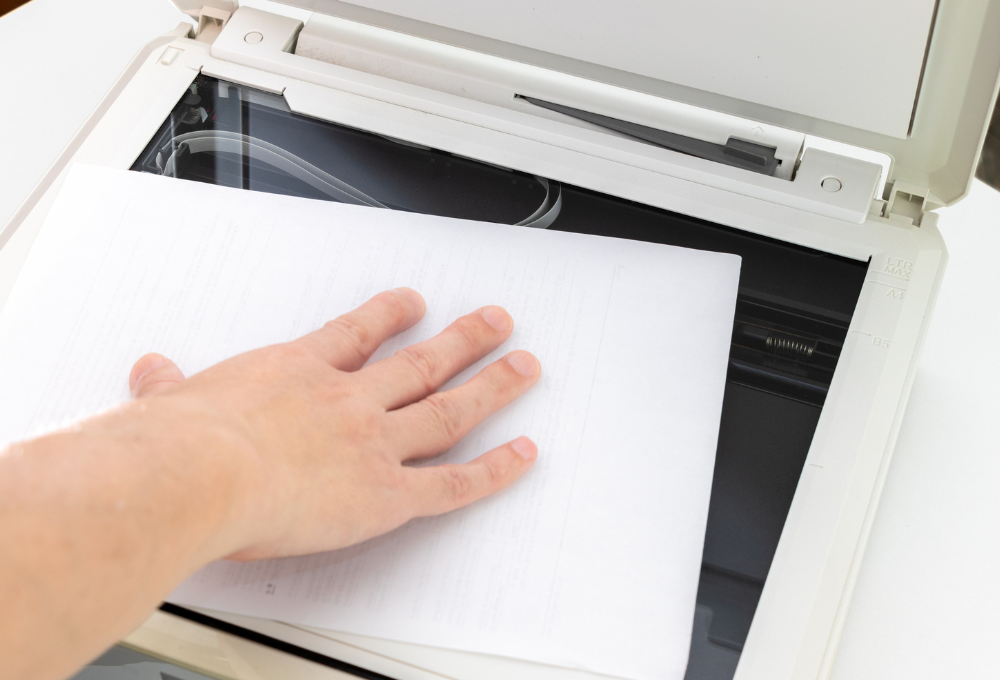
Repeated copier failures rarely happen by chance. Identifying the root cause helps Las Vegas businesses fix the problem permanently.
Worn feed rollers are one of the most common causes of repeated paper jams and feeding errors. Without timely replacement, they cause the same jam to return every few days. Dust and toner buildup inside the machine damages internal components gradually, leading to image quality issues and mechanical failures. A dirty or degraded drum unit causes streaky prints and eventually stops the copier from functioning properly. Outdated firmware creates software conflicts that cause the copier to freeze, disconnect, or produce errors during print jobs. Overuse without scheduled servicing places excessive strain on fusers, drums, and rollers, accelerating wear and increasing breakdown frequency. Finally, using incompatible toner or supplies causes internal damage that compounds over time.
Most of these issues are entirely preventable. Offices that partner with experienced local technicians resolve these problems at the source and prevent them from returning.
How to Stop Your Office Copier From Repeatedly Breaking Down
Fixing a repeatedly failing office copier requires a structured approach. These practical steps help Las Vegas businesses restore reliable performance and prevent future breakdowns.
Identify and Replace Worn Components
Worn rollers, drums, and fusers are the most common causes of recurring failures. Do not wait for a complete breakdown before replacing them. Check component condition during every service visit and replace parts before they fail completely. Proactive part replacement prevents the same issue from returning repeatedly.
Clean the Interior on a Regular Schedule
Dust and toner buildup cause most mechanical issues inside an office copier. Schedule interior cleaning at least once a month for high-volume offices. Use manufacturer-approved cleaning tools to avoid damaging sensitive components. A clean machine runs more reliably and produces better output consistently.
Update Firmware and Fix Software Conflicts
Outdated firmware causes freezing, connectivity errors, and repeated job failures. Check for firmware updates from the manufacturer every quarter. Update drivers on all computers connected to the copier at the same time. Keeping software current eliminates many recurring error codes and performance issues.
Switch to a Preventive Maintenance Schedule
Reactive repairs only fix the symptom, not the cause. A preventive maintenance schedule addresses wear, buildup, and software issues before they trigger a breakdown. Schedule professional servicing every three to six months based on your print volume. Preventive care is the most reliable way to stop recurring failures permanently.
These steps target the root causes of repeated office copier breakdowns directly. For offices dealing with persistent issues, a structured monthly care plan provides the consistent attention every copier needs to perform reliably.
How Sunrise Office Systems Stops Recurring Copier Breakdowns
Sunrise Office Systems helps Las Vegas businesses get to the bottom of repeated office copier failures quickly. Our team performs detailed diagnostics on every device, checking mechanical components, firmware versions, toner systems, and internal cleanliness. We find the real cause of the problem and fix it properly the first time.
We handle complete servicing for all types of office copiers. This includes replacing worn parts, deep cleaning internal components, updating firmware, and correcting print settings. Our on-site technicians come directly to your Las Vegas office, reducing downtime and delivering fast, effective results.
We also design customized maintenance plans that prevent future breakdowns before they happen. Every plan is built around your office’s specific print volume, equipment type, and operational needs. Our goal is to keep your office copier running without interruption, every single day.
Stop Accepting Breakdowns as Normal for Your Office Copier
Repeated office copier breakdowns are not something your business should accept. Every failure costs time, money, and productivity that your team cannot afford to lose. The problem will not fix itself without the right attention and care.
Sunrise Office Systems provides reliable diagnostics, expert repairs, and preventive maintenance for every office copier in Las Vegas. Our team resolves recurring issues permanently and keeps your equipment performing at its best. We work with businesses of all sizes to build dependable print environments that support daily operations.
Do not let a failing copier hold your business back. Contact our team today and put an end to repeated breakdowns for good.